
Multi-Site CMS: When One Admin Can Run Many Websites
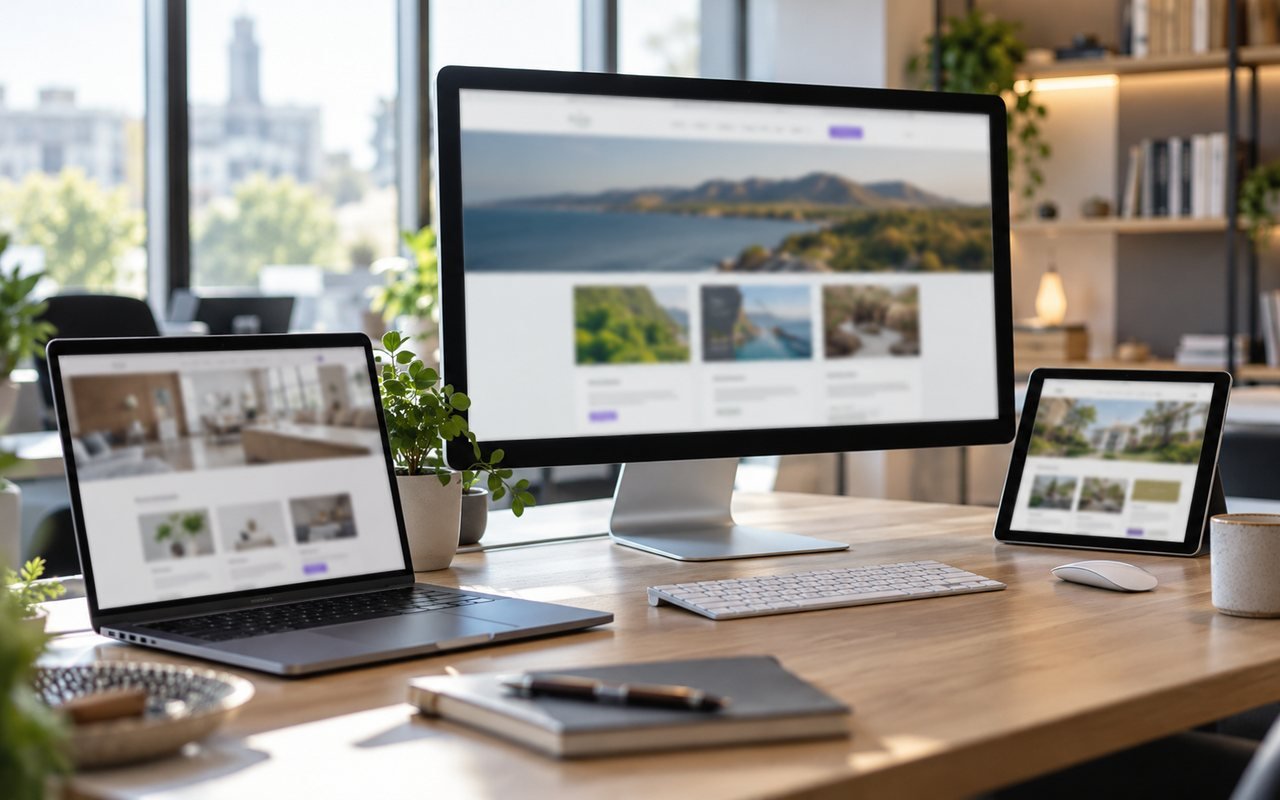
A multi-site CMS lets one team run several websites from a single admin panel. It suits groups, agencies and multi-brand firms that are tired of separate logins and separate updates. This guide covers the benefits, the risks, what to check and when separate sites are the better choice.
What a multi-site CMS does
A content management system, or CMS, is the tool you use to edit a website without writing code. A multi-site CMS serves many websites from one installation. You log in once, pick a site and edit its pages, posts and settings.
Each site still has its own address, design and content. Visitors never see that the sites share a system, and each brand keeps its own identity.
Why firms manage multiple websites
Growth often produces more sites. A company opens a second brand, adds a regional site or builds a product site beside the main one.
If each site has its own system, the team repeats the same chores. There are updates to apply, accounts to manage and backups to check, all times the number of sites. The work grows with every new site, and some of it gets skipped.
The benefits of sharing one system
One login and one set of user roles for the whole team.
Updates and security fixes applied once.
Shared tools, such as a media library and a lead inbox.
A consistent way of working across brands.
A new site starts from a tested base, not from scratch.
Time saved on routine chores can go into better content.
The risks to weigh
One system for many sites also means one point of failure. A fault or a break-in could reach every site together, so security and backups matter more, not less.
Sites that share a platform can also feel alike if the design is not managed with care. And a poor setup can mix up content between brands. Ask a supplier how each site is kept separate.

Keep each site's search identity separate
Search engines treat each address as its own site. Each one needs its own titles, descriptions and images. Copying the same text across brands is a common mistake.
Google explains how to consolidate duplicate URLs, and notes that redirects and canonical tags are strong signals for the version it should show. Give every brand its own wording, so there is nothing to consolidate in the first place.
Website redirects when sites move or merge
Redirects matter whenever sites merge, move or change address. A redirect sends visitors and search engines from an old address to the new one.
Google advises permanent server-side redirects, pointing straight to the final page, and keeping them in place for as long as possible, generally at least a year. Its guide to a site move with URL changes also warns against sending many old pages to the home page. Your CMS should let you manage redirects page by page.
Multi-brand website platform checklist
Before you choose a platform, ask whether it can do the following.
Give each site its own pages, blog, reviews and search settings.
Control who can edit which site.
Preview a site privately before it goes live.
Collect enquiries from every site in one inbox, with spam checks.
Back up each site separately and restore one without touching the rest.
Let you leave, with your content exported in a usable form.
Roles and permissions across sites
With many sites, access needs care. A designer may need one brand, while the owner needs all of them. Choose a system where roles are simple to read and a leaver can be removed in one step.
Check for an activity log too. If a page changes unexpectedly, you want to see who changed it and when. This is one of the quiet benefits of a single admin panel, because the record sits in one place and not in a dozen.
When separate sites are better
Do not force sites together just to save effort. Separate systems can be wiser when sites need very different features, when brands are run by unrelated owners, or when a legal or security rule demands a clean split.
A sensible test is to ask whether the same people maintain the sites. If they do, sharing a platform usually saves time.
How the LAMTANS version works
We built our own platform to run our own group of websites. You pick a site, then manage its pages, blog, reviews and settings. You can set the search title, description and feature image for every page, manage redirects, and preview a site privately before launch. Enquiries arrive in one spam-checked inbox.
Details are on the multi-site CMS product page. If you want a fresh build on it, see our web development services.
Plan the move before you start
Moving several sites at once is risky. Start with the least important site, learn from it and then move the rest.
Make a list of every address that must keep working, including old campaign and product pages, set up redirects before launch, and keep a tested copy of the old site. Our guide to website backup best practice shows how to keep that safety copy.
Sources
Designed & developed by LAMTANS Technologies LLC, USA — part of the LAMTANS Group
Frequently asked questions
Is a multi-site CMS only for big companies?
No. Any firm with two or more related sites may benefit, including small groups.
Will my sites look the same?
Not unless you want them to. Each site can have its own design and content.
Does sharing a platform hurt SEO?
Not by itself. Each site needs its own unique pages, titles and descriptions.
What happens if the platform fails?
Every site could be affected, so ask about backups, monitoring and recovery times.
Can I move my existing sites in?
Usually yes. Plan redirects and test each site privately before launch.